AI model
We create brand-exclusive models by combining gender, age, hair, and face. Once you make it, you keep using it.
Studio · Preparing for release
We even took care of recruiting models, renting a studio, and retouching. Create a model that fits your brand After putting on the product, you can take a picture at the desired location.
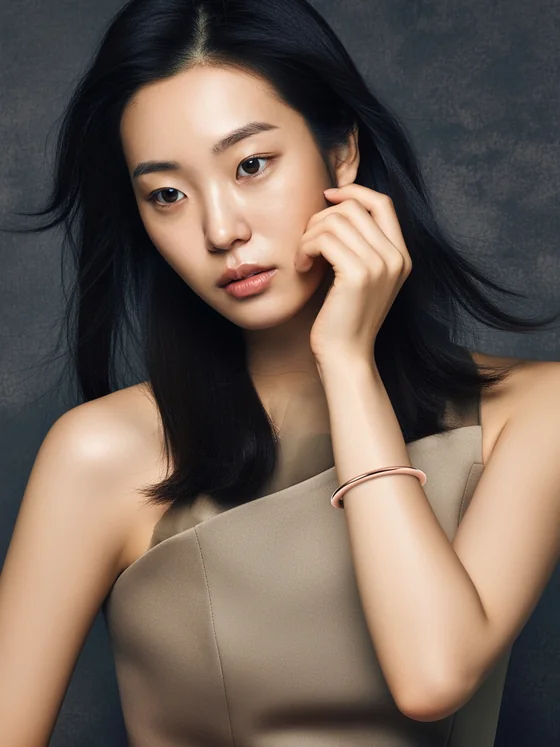
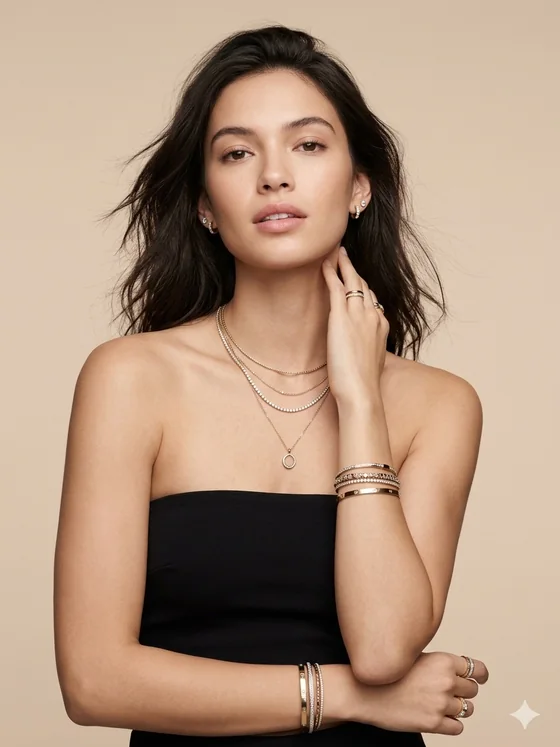
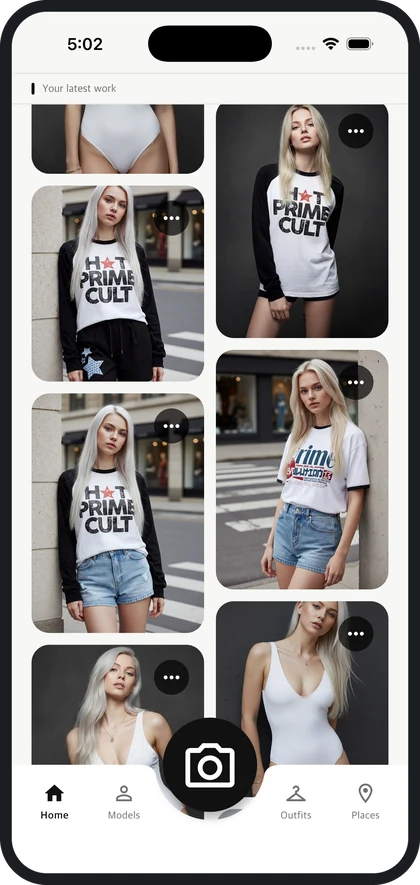
These are all images created in Studio. No cameras or lights were used.
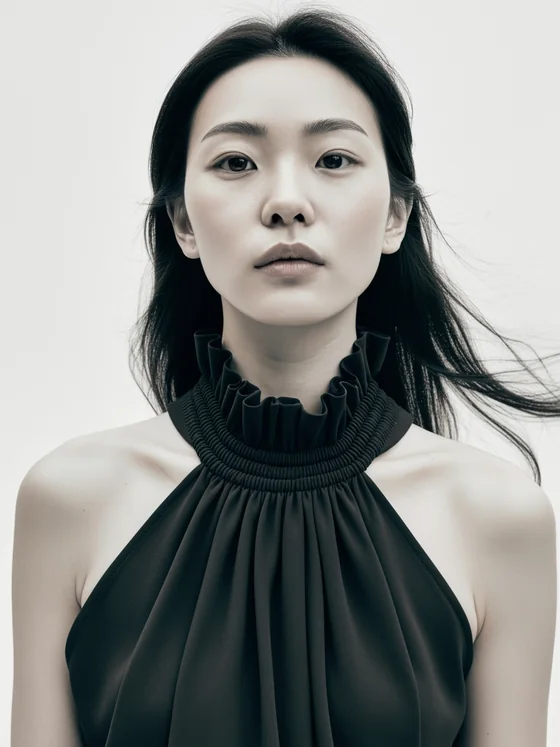
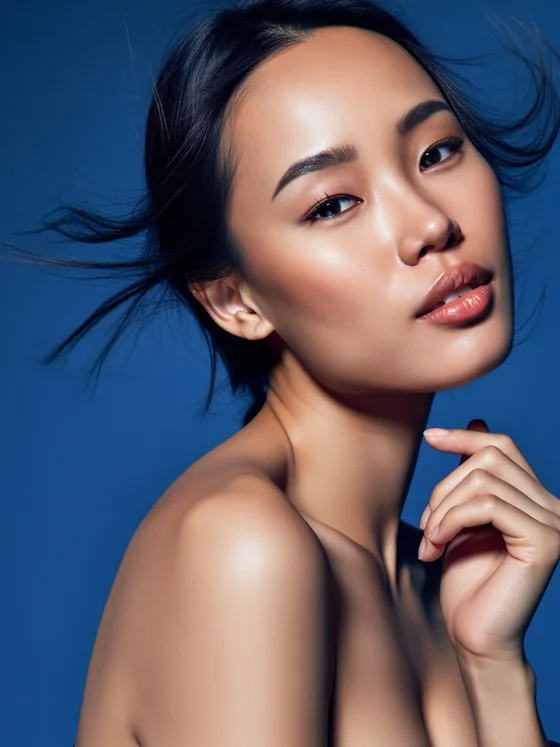
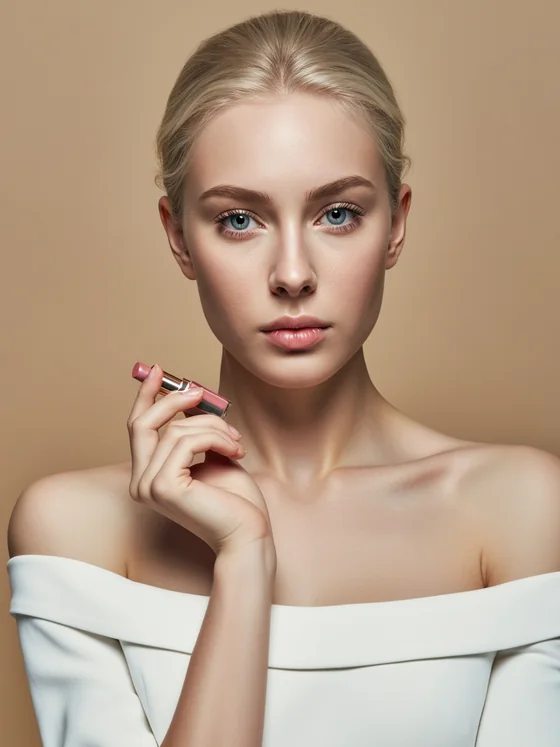
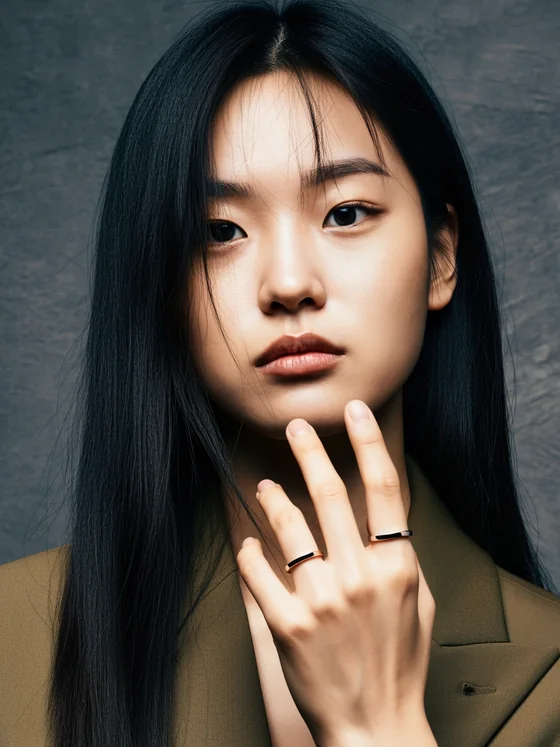
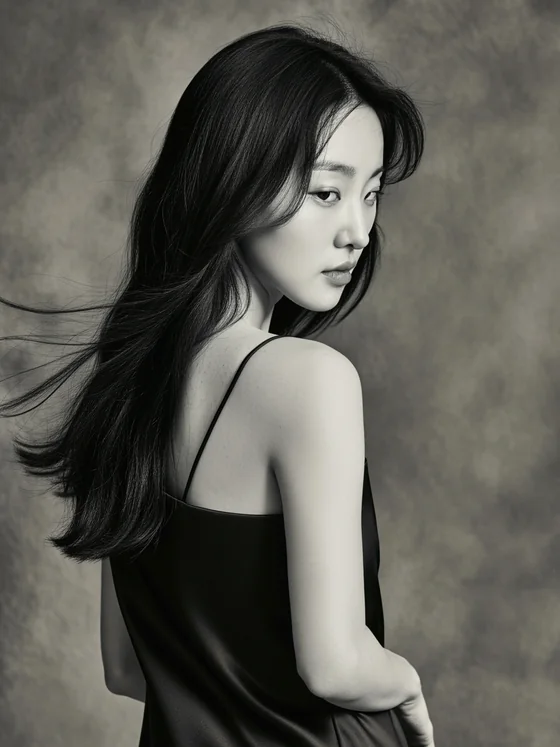
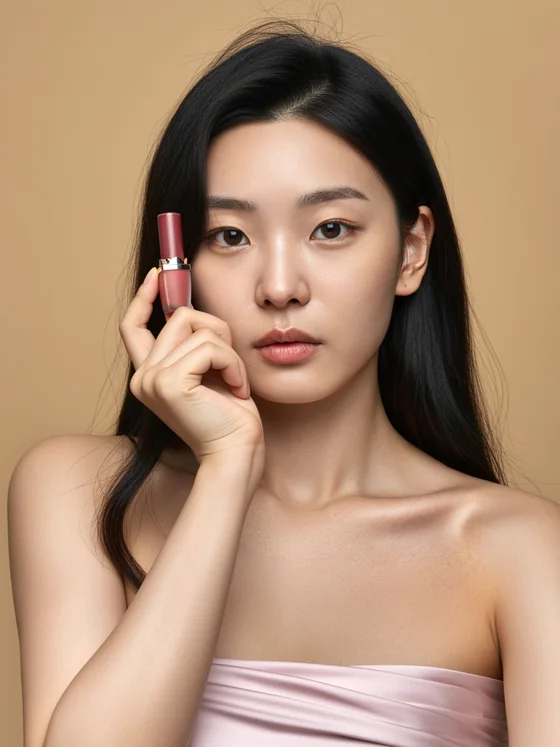
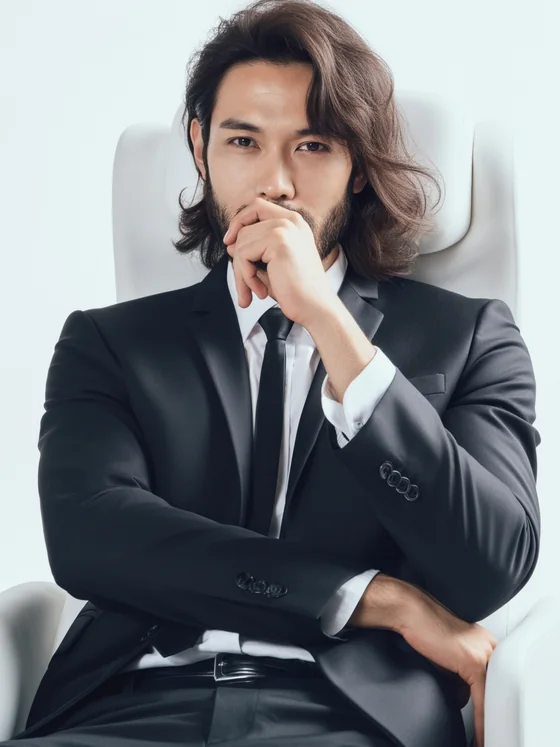
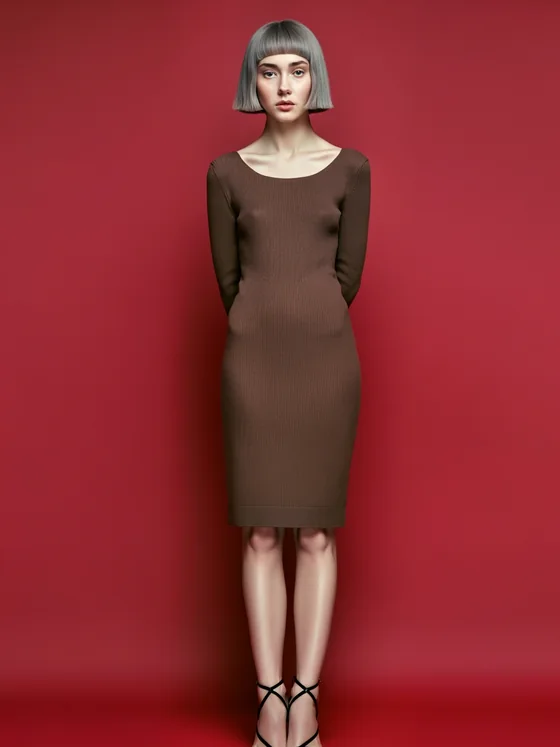
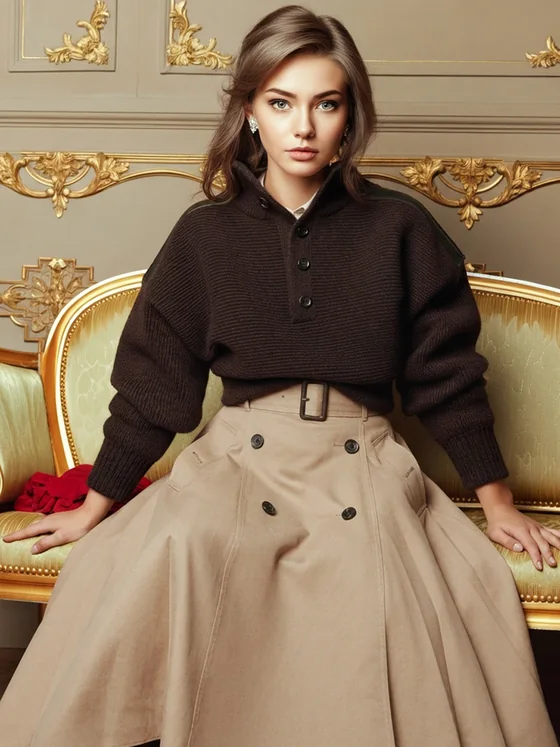
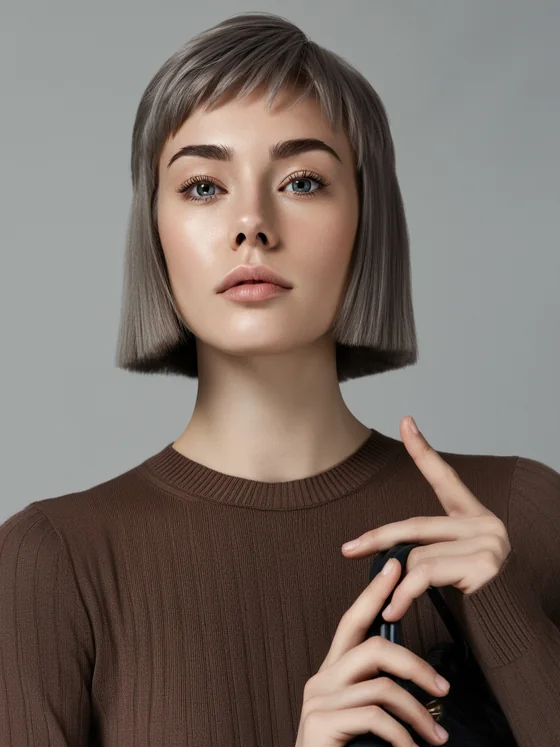
No moving tools around. Models, products, locations, and results all in one place.
We create brand-exclusive models by combining gender, age, hair, and face. Once you make it, you keep using it.
If you upload a photo of the product you have, the model will wear it. It also manages the costumes you create.
Select the location, pose, gaze, composition, and lighting atmosphere to create the desired tone.
View work in progress and completed cuts on one screen, and download cuts you like right away.
The entire process of creating a model and taking pictures is completed on your smartphone.
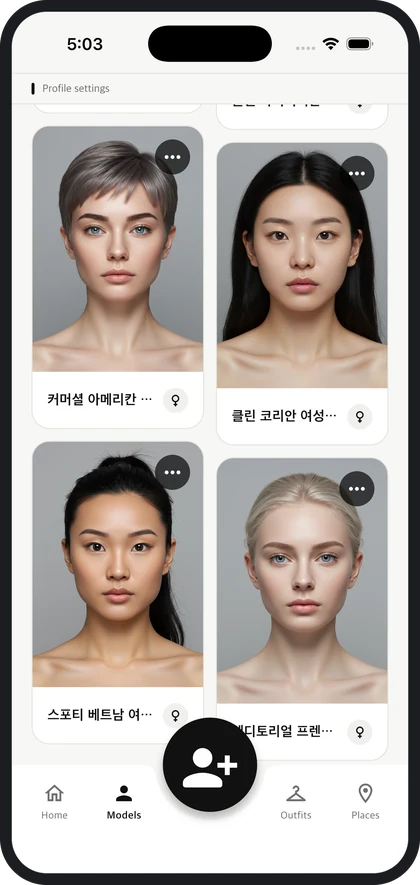
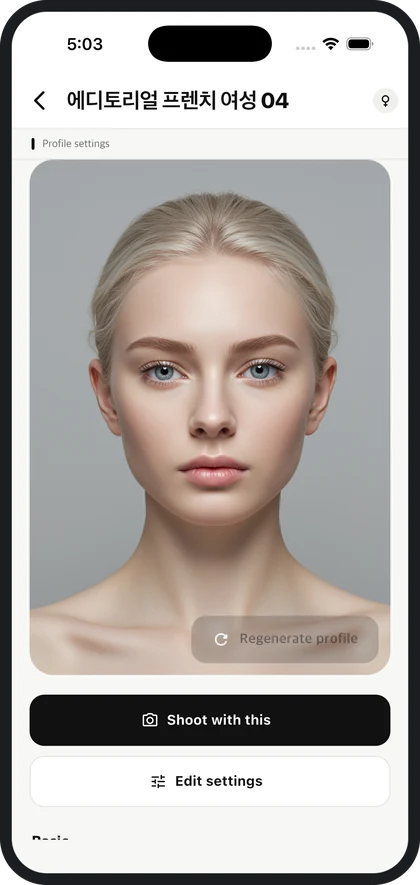
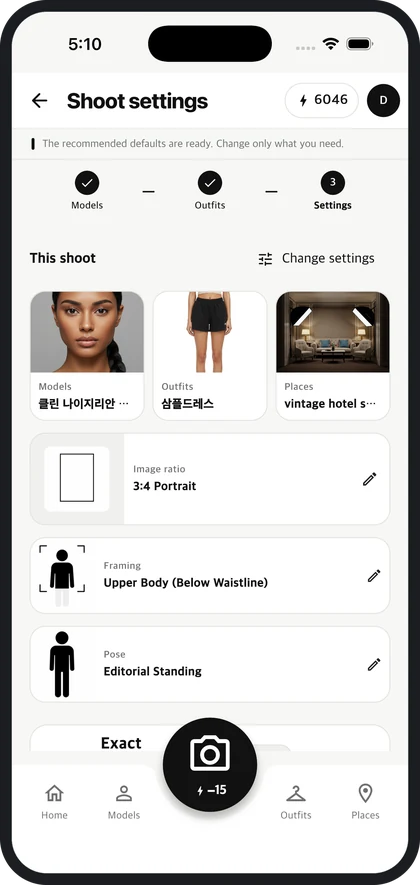
If you can't schedule a photo shoot every time a new product comes in. All you need is a photo of the product and a photo of the outfit will appear.
When quickly testing the season concept with multiple models and locations and deciding on a direction.
When you need to create multiple images of the same product with different tones for each channel.
We are preparing for store launch. If you would like to try it first, please contact us.