
Studio · Lab 004
I filmed the same model, clothes, and location three times.
We fixed one model and one clothing preset created on our internal test account, and only changed the shooting location. Compare options and results as they are recorded.
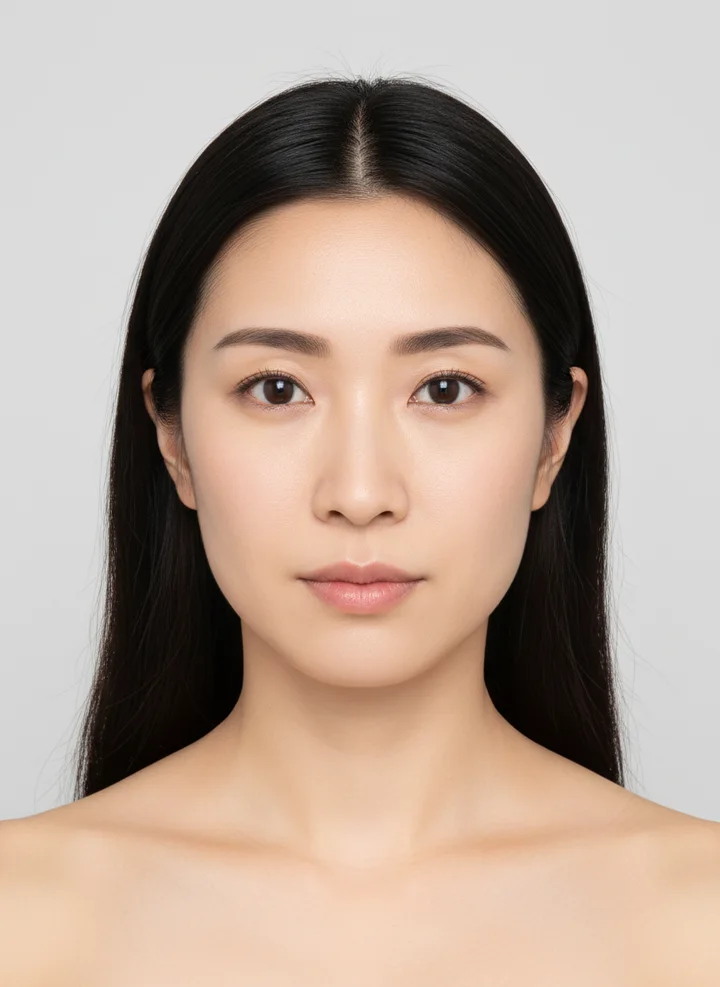
RESULTS · Same model / same outfit / same pose / only location changed
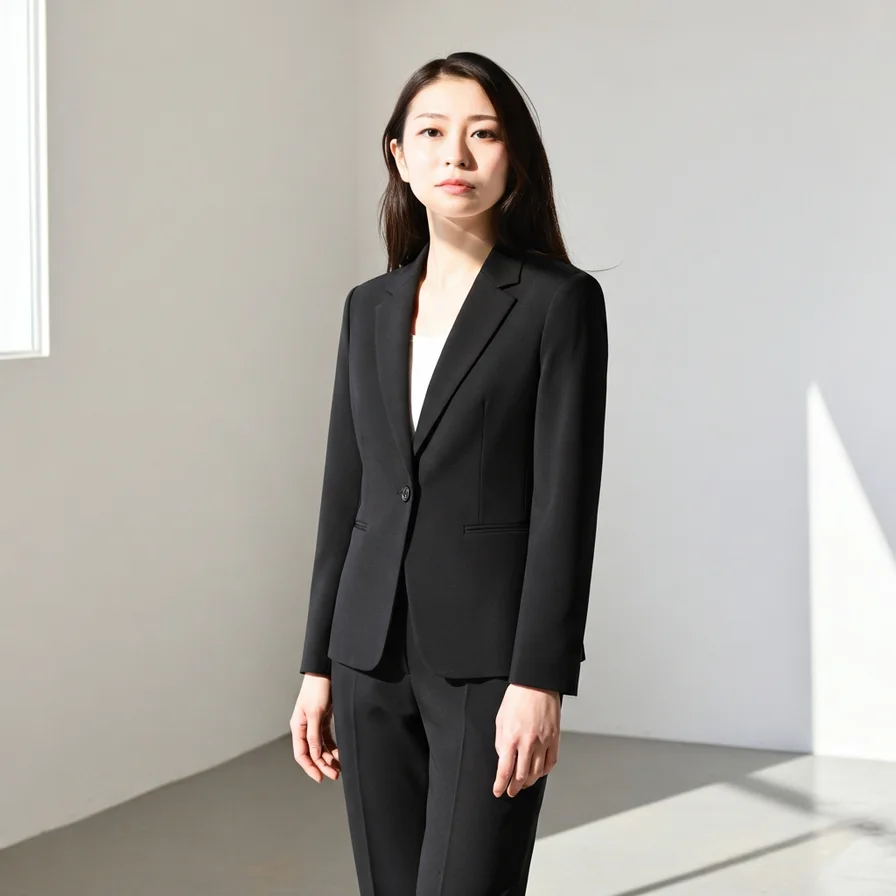
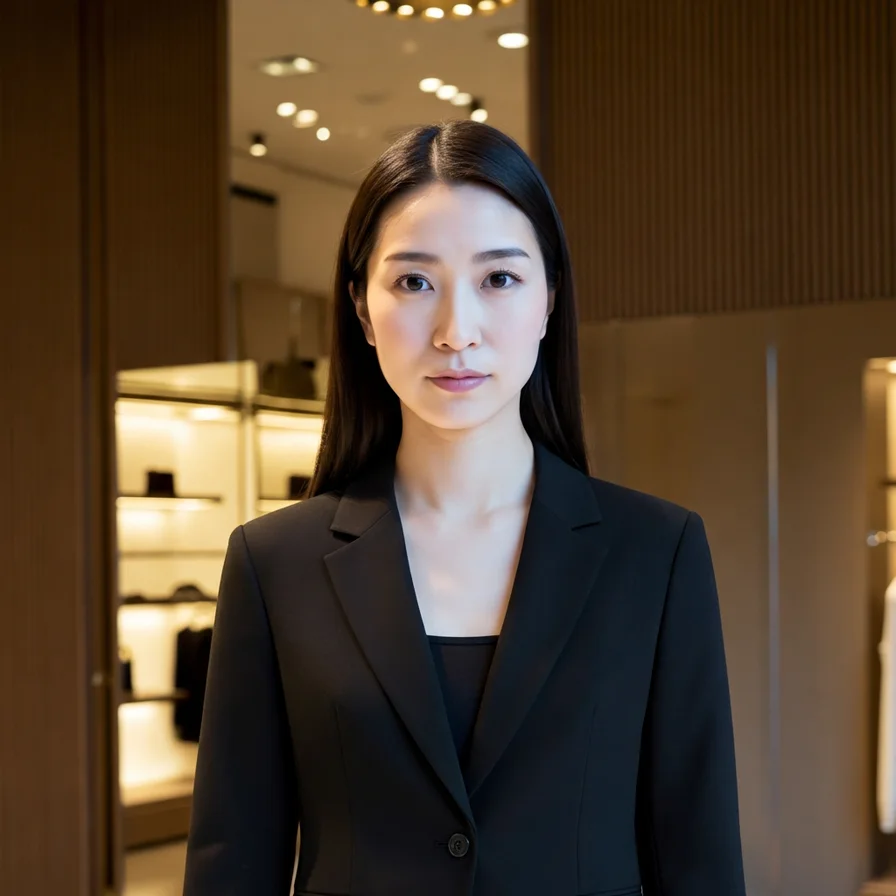
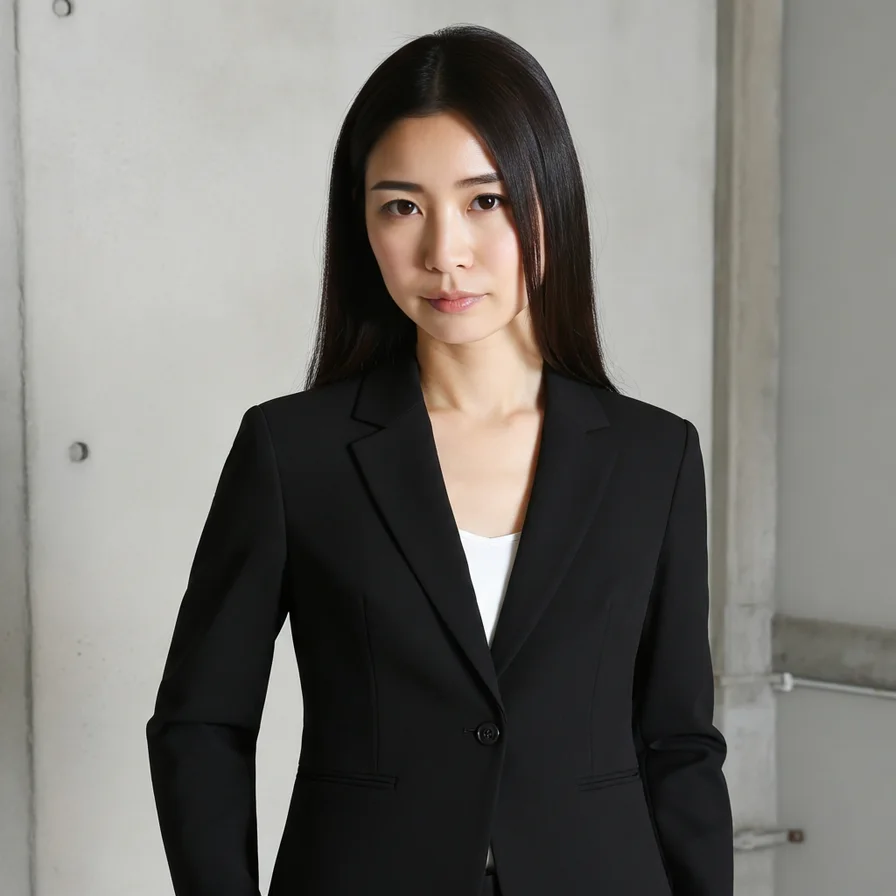
On the device
Results are checked in the app's Recent Tasks
I installed the Studio release version on the SM-G986N actual device and checked the result list and detailed screen again for the test account used for this shoot. The created cuts are collected in recent work, and when you open one, you can view it in large size or save it right away.
2026.07.31 · Galaxy S20+ 5G · release build
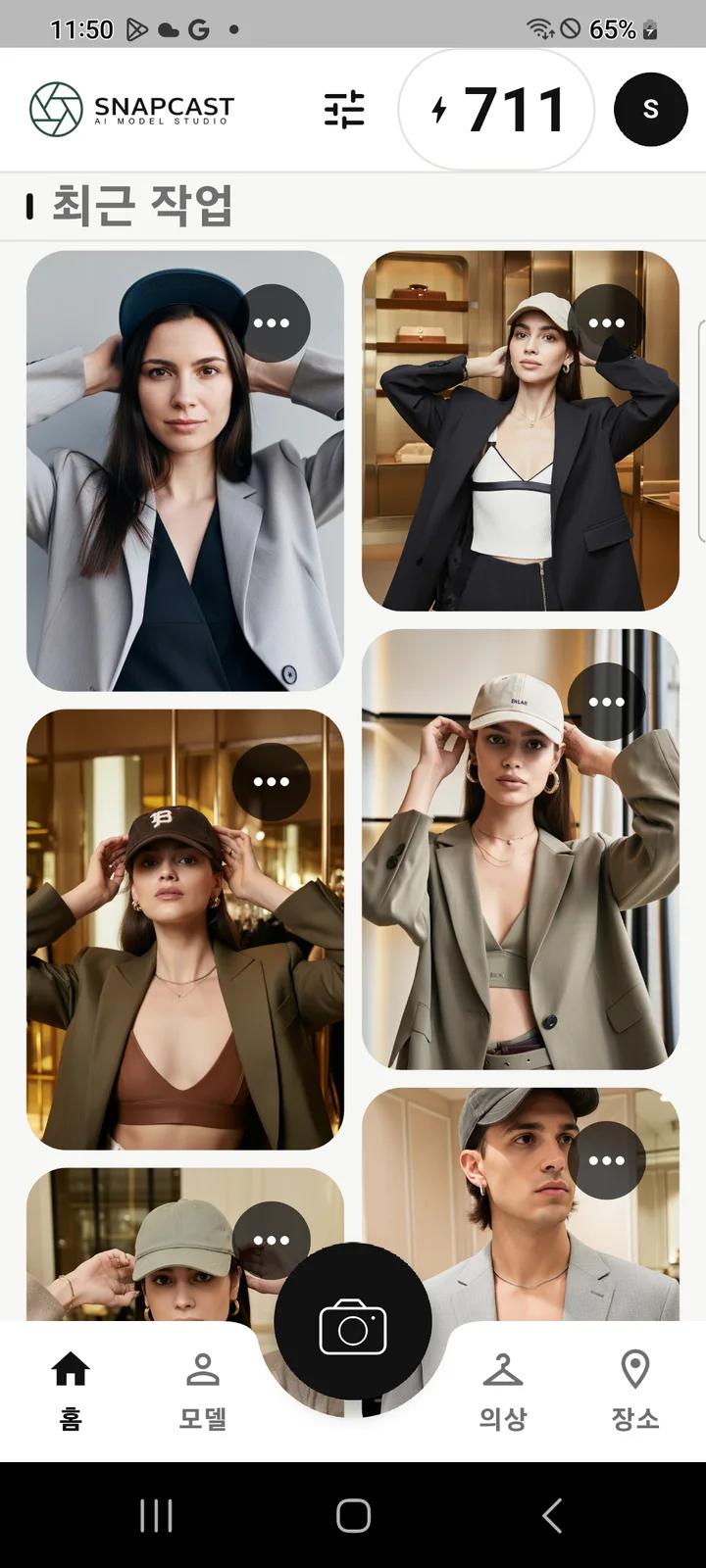
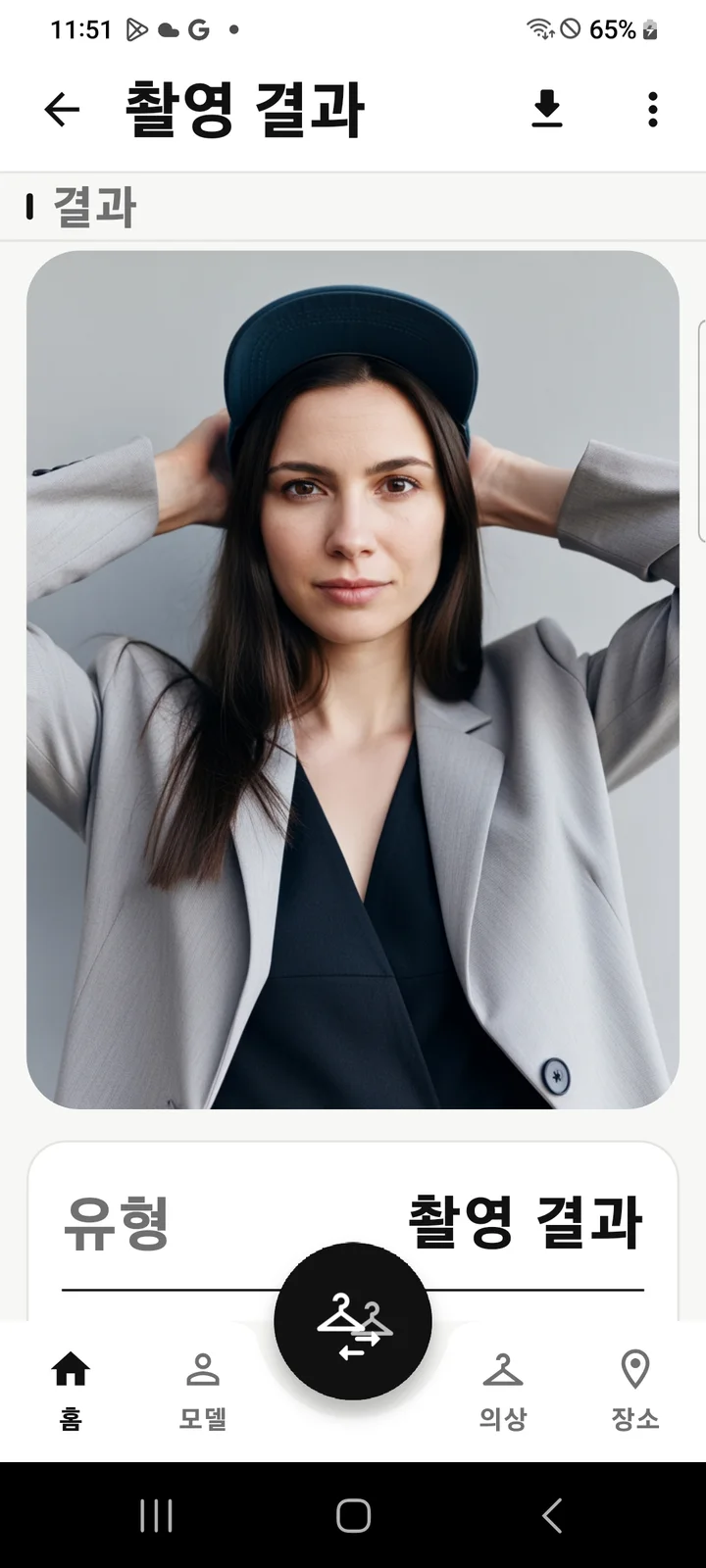
- real test
- July 29, 2026 Internal QA Account
- fixed
- Model, costume, pose, gaze, facial expression, filter
- What I changed
- One location preset
In the test account, I first created a Japanese female model and chose a ‘street casual look’. The shooting options were above-the-waist composition, soft contrapposto, looking straight ahead and at the camera, neutral facial expression, 1:1 ratio, and natural color filter.
From there, we changed the locations to a minimalist studio, a luxury fashion showroom, and an industrial loft and created them one by one. Because we didn't re-select the model and clothes, we could immediately compare how much the background affected the impression of the photo.
Three moods changed by one place
The minimalist studio was the plainest, with gray walls and window light remaining. The luxury showroom looked like a physical store campaign, with warm lighting and product displays. The industrial loft is closer to editorial with the addition of concrete and cold light.
Even if it was the same model and black jacket, the skin color, black density of the suit, and even the brand's price range changed due to the background material and color temperature. It was meaningful enough to first compare location plans during the filming planning stage.
Parts to check even if you leave the options as is
The setting was ‘above the waist’, but the minimal studio results came out closer to the full body. In AI shooting, framing options are not always fixed at the per-pixel level. To use it as a series of cuts in a campaign, you need to use the results you like as a reference image and re-adjust the composition and facial consistency.
- First, fix the model, outfit, and pose, then change the location one by one.
- Compare the color temperature of the background and the clothing color to make sure they do not clash.
- Continuous cuts zoom in on faces, jacket details and framing.
Even with the same model and clothes, the impression of the brand clearly changed depending on the location. When it was difficult to choose a shooting location in words, the most practical method was to make three photos first and compare them.