
Studio Tips · 001
Should I put my clothes on from the beginning or change them later?
In Studio, you can choose your outfit when you start shooting, or you can change only the clothes after choosing a good photo shoot. It looks similar, but its use is slightly different.
Two workflows
Do the clothes come first or the good cut come first?
If you have decided on the actual clothes you want to sell, the ‘My Library’ preparatory stage for filming is quick. If you have already selected a cut that shows the face, pose, and background well, it is safer to use ‘Change Clothes’ on the results screen.
SM-G986N · Studio release build
If the product comes first, you can change before filming. If the scene comes first, you can change after filming. You can upload your outfits both ways.
Method 1. Choose your outfit when you start filming
- Select a model under shoot.
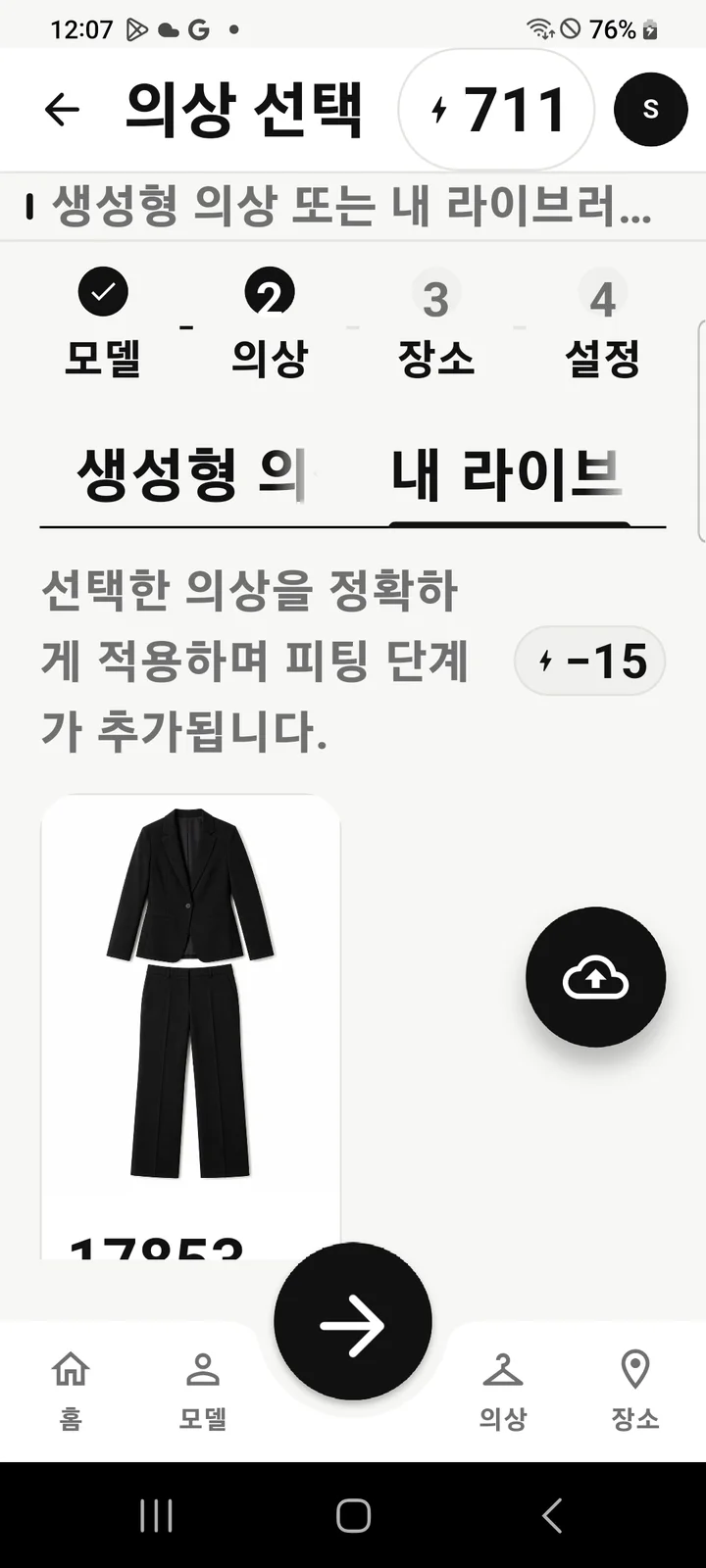
- In the Clothing step, open the My Library tab.
- Select a saved outfit or upload a photo using the cloud-shaped Add from device button.
- After deciding on the location and shooting settings, the creation begins with final confirmation.
My library costumes first create a base scene and then go through one more fitting step. The app also informs you that ‘the selected outfit will be applied accurately and a fitting step will be added.’ This takes more time and credits than a single shot that only reflects the mood of a generative outfit, but is ideal when you need to showcase a specific product.
Method 2. Change only the clothes from the good results
- Open the results you like for faces, poses, and backgrounds from Home's recent work.
- Press the Change Clothes button below.
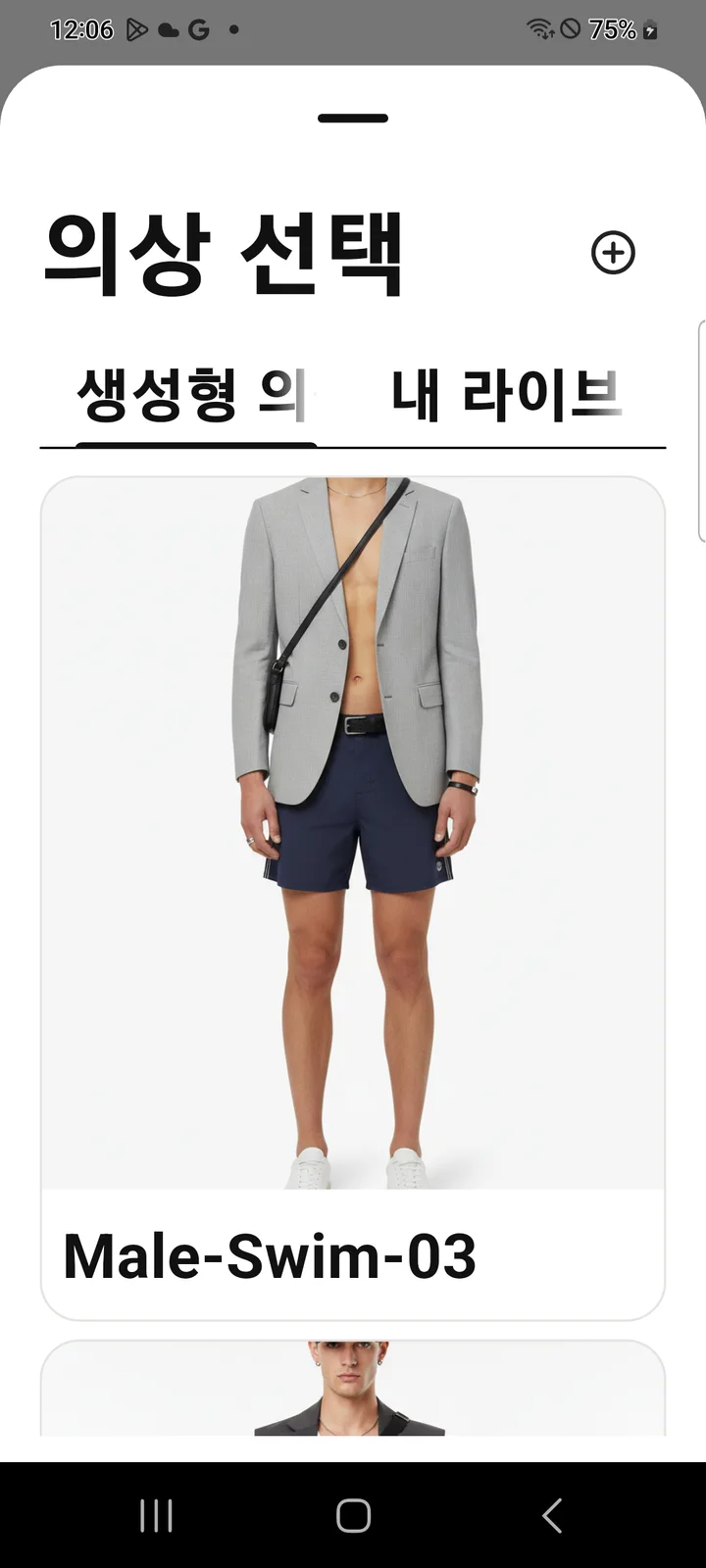
- Choose either Generated Clothing or My Library.
- Check the original photo and selected outfit and begin the fitting.
The advantage of this method is that you can choose the scene first. The original shooting result will remain without being overwritten, and the altered result will be added to Home as a new image. This is especially convenient when comparing multiple outfits.
Generative Outfits and My Library have different purposes
It's a good idea to prepare a photo of your costume like this:
- Take pictures so that the entire shape of the top, bottoms, dress, and jacket is visible within the frame.
- Avoid photos that are too dark or blown out white, or images that are too long and narrow.
- Use photos that show clothing larger than the person's face or body.
- Choose a simple background with contrast so the colors of your clothes don't stick to the background.
- Use JPG, PNG, or WEBP originals and upload clear photos instead of small thumbnails.
Rather than trying to create a perfect combination from the beginning, it is better to choose a face and scene first and then change the outfit based on the results to reduce the cost of failure. Conversely, if the purpose of the photoshoot is to introduce a specific product, choose clothes from my library from the beginning.